How to Get an SSS ID in 2026: UMID Is Gone — Apply for the MySSS Card Instead
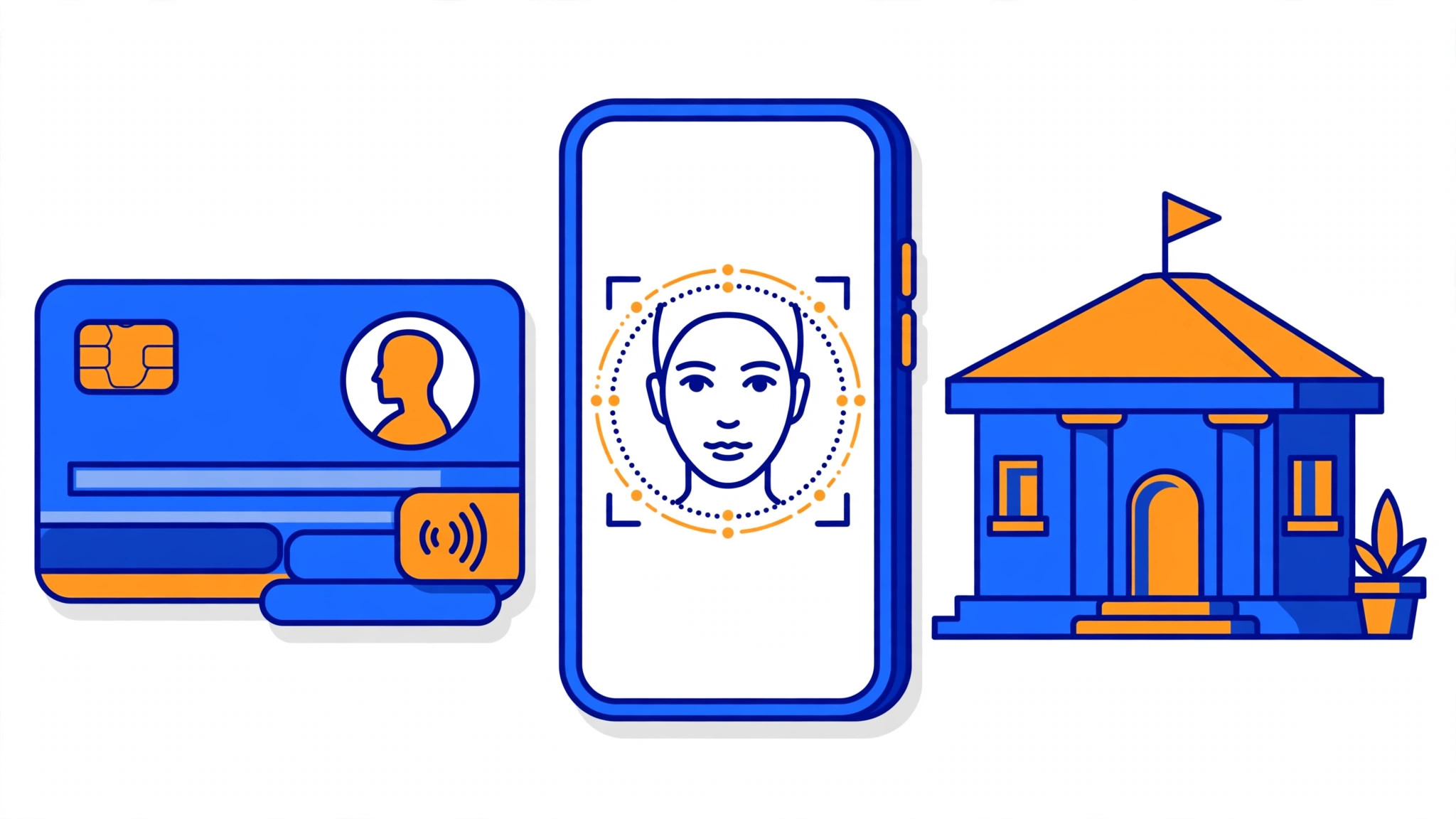
If you are searching for how to apply for a UMID card in 2026, here is the short answer: the Social Security System (SSS) no longer issues new UMID cards. Since 1 October 2025, the official SSS ID for new applicants is the MySSS Card — an EMV chip card that works as both your SSS identification card and a debit card linked to a bank account. You apply for it online through the My.SSS Member Portal, verify your identity with your National ID (PhilSys), and the card is produced and released by an SSS partner bank. Cards already issued before the change — including old UMID cards — remain valid, so if you already have one, you do not need to do anything.
What Happened to the UMID Card?
The Unified Multi-Purpose ID (UMID) was the single ID card shared by SSS, GSIS, PhilHealth and Pag-IBIG. For SSS members it was the standard government ID for years, issued after a branch visit for photo and fingerprint capture.
That changed with the launch of the MySSS Card. SSS has stated on its official website that the MySSS Card "acts as an official ID, replacing the long-standing Unified Multi-Purpose Identification (UMID) card" and that it also works as a fully functional debit card linked to a savings account. Under SSS Circular No. 2025-008, the MySSS Card effectively discontinued the issuance of new generic UMID cards and UMID Pay Cards. Applications for the MySSS Card opened on 1 October 2025.
What this means in practice:
| Situation | What to do in 2026 |
|---|---|
| You never had an SSS ID | Apply for the MySSS Card online — do not book a UMID appointment |
| You already have a UMID card | It is still valid; no need to replace it |
| You lost your old UMID card | Apply for a MySSS Card as the replacement |
| You are a GSIS member, not SSS | Check the GSIS route (GSIS Digital ID) — this guide covers SSS members only |
| You only need a general government ID | Your National ID (PhilSys) is the primary official ID in the Philippines |
One important caution, straight from SSS: government agencies and private institutions are not required to accept the MySSS Card as an official ID. The National ID (PhilSys) is the primary official identification system. So if your main goal is a widely accepted government ID and you do not have one yet, register for the National ID first — you will need that registration for the MySSS Card anyway.

Who Can Apply for the MySSS Card?
SSS says the card is available to members, pensioners, individual claimants, beneficiaries and representative payees who meet all of the following:
- You have an SS number tagged as "permanent" in SSS records. (A temporary SS number is not enough — fix this at an SSS branch first.)
- You are registered on the My.SSS Portal (member.sss.gov.ph).
- Your local address, mobile number and email address are updated in your SSS records.
- You are registered with the Philippine National ID system (PhilSys) through the Philippine Statistics Authority (PSA), and your name and date of birth match exactly between your SSS record and your National ID record.
For the partner bank side, RCBC (through its DiskarTech app) adds its own conditions: you must be at least 18 years old, a Filipino citizen with no US citizenship or residency, and you must not already have an active DiskarTech account or an existing UMID ATM/Pay Card enrolled with SSS. Other partner banks may have slightly different conditions, so check the bank's own terms when you choose one.
What to Prepare
The process at a glance
How to Apply for the MySSS Card Online
The application is a two-step process: first you apply through SSS, then you open the account with the partner bank. There is no branch visit to SSS for biometrics — your National ID photo is used instead.
Step 1: Log in to the My.SSS Member Portal
Go to member.sss.gov.ph and log in with your user ID and password. If you do not have an account yet, register using your SS number, email address and mobile number.
Step 2: Update your personal details
Before applying, check your profile and make sure your name, date of birth, local address, mobile number and email address are correct and updated. Any mismatch with your PhilSys record — even a spelling difference — can delay or block your application.
Step 3: Go to Services and select "MySSS Card"
In the portal, open the Services menu and select MySSS Card. Review the personal information shown and confirm it is correct.
Step 4: Consent to National ID verification and do the facial scan
You will be asked to consent to SSS verifying your identity through the National ID eVerify system and using your official National ID photo. Complete the facial scan when prompted, following the on-screen instructions (good lighting, no glasses or hat, face the camera directly).
Step 5: Choose your partner bank
Select your preferred participating financial institution. RCBC (through DiskarTech) was the first partner bank to roll out the card, and SSS has said other banks — including Asia United Bank (AUB), China Bank and UnionBank — will follow. AUB's HelloMoney is also reported as available. The list of partner banks can change, so check the options shown in the portal on the day you apply.
Step 6: Get your transaction number and open the bank account
After you submit, SSS gives you a transaction reference number. Download your chosen bank's app (for RCBC, the DiskarTech app), register as an "SSS Member", and enter your transaction number, mobile number and one-time password. Complete the bank's electronic identity verification (eKYC) with a valid government ID. Some banks may ask you to visit a branch to finish verification.
Step 7: Wait for your card
Once your bank account is successfully opened, the bank produces and releases your card. SSS states the card is generally released within 15 working days in Metro Manila and 20 working days outside Metro Manila after the bank account has been successfully opened. The bank will notify you by SMS or through its app when the card is ready for delivery or pick-up.
Step 8: Activate and use your card
Follow the bank's instructions to activate the card. Your new MySSS Card account is automatically set as your main disbursement account for SSS benefits, so pensions, loans and other proceeds will go to this account.
Fees: What Does the MySSS Card Cost?
| Item | Cost |
|---|---|
| The MySSS Card itself (SSS side) | No charge from SSS — the card is provided free of charge by SSS |
| Partner bank fees | Depends on your chosen bank — the bank may charge card, account or transaction fees under its own terms |
| Old UMID replacement fee (₱200) | This was the fee under the old branch-based UMID replacement system; it does not apply to a MySSS Card application |
The exact fees your bank charges are set by the bank, not by SSS, so read the bank's terms in its app before you confirm. SSS warns that failing to settle a bank fee within the bank's deadline can cancel your application. Note that a promotional free period for the card ran from 26 September to 31 October 2025; do not assume it still applies.
How Long Does It Take?
| Stage | Time |
|---|---|
| Online application on the My.SSS Portal | Around 5 minutes, once your records are updated |
| Bank account opening (app + eKYC) | Usually within the same day, but can take longer if a branch visit is needed |
| Card release after successful account opening | Around 15 working days in Metro Manila; around 20 working days outside Metro Manila |
These are the timelines SSS publishes. Actual delivery can vary with the bank's verification process and card production, so treat them as a guide, not a guarantee.
Checking Your Application Status
- In the My.SSS Portal: log in and check the MySSS Card service for your application status.
- With the partner bank: check the bank's app (for example, DiskarTech) for your account and card delivery status.
- SSS hotline: call 1455 or email [email protected] for SSS-side questions. For card delivery questions, contact the partner bank directly — SSS does not produce or deliver the card.
Common Mistakes to Avoid
- Booking a UMID appointment at a branch. The old UMID route is no longer the way to get a new SSS ID. Start in the My.SSS Portal instead, or you will waste a trip.
- Applying with mismatched records. If your name or date of birth differs between SSS and PhilSys — a missing middle name, a different spelling, a wrong birth year — fix it before applying. This is the most common reason applications get stuck.
- Using a temporary SS number. Your SS number must be tagged "permanent". Check your membership status in the portal first.
- Skipping the National ID registration. You cannot complete the MySSS Card application without PhilSys registration, because identity verification runs through the National ID system.
- Assuming every office must accept the card. SSS itself notes that other agencies and private establishments are not required to accept the MySSS Card as an official ID. Bring your National ID or another primary ID for transactions outside SSS.
- Applying while you already have a UMID Pay Card or DiskarTech account. For RCBC, having an existing UMID ATM/Pay Card or an active DiskarTech account can disqualify you. Check the bank's eligibility conditions first.
- Ignoring the bank's fee deadline. If the bank asks for a fee, pay it within the given timeframe or your application may be cancelled.
What If You Already Applied for a UMID Before the Change?
If you filed a UMID application before October 2025 and never received the card, SSS has not published a single public rule that covers every pending case. In general, members in this situation are directed to the MySSS Card process, subject to confirmation of the pending record. The safest move is to check your status in the My.SSS Portal or ask at an SSS branch with your old transaction slip or reference number before starting a fresh application, so you do not end up with a duplicate record.
FAQ
Is the UMID card still valid in 2026?
Yes. All previously issued SSS cards, including the UMID, remain valid for identification. You only need the MySSS Card if you never had one, lost yours, or want the debit card function.
Can I still apply for a regular UMID card at an SSS branch?
No — for new applications, SSS now issues the MySSS Card instead. SSS describes the MySSS Card as the replacement for the UMID, and Circular No. 2025-008 discontinued new generic UMID and UMID Pay Card issuance.
Is the MySSS Card free?
SSS does not charge for the card itself. However, the partner bank may charge its own fees for the account or card, so check the bank's terms.
Do I need to visit an SSS branch?
Generally no. The application starts online and identity verification uses your National ID photo and a facial scan. You may still need to visit the partner bank's branch if the bank requires in-person verification.
Can OFWs apply for the MySSS Card?
Yes, as long as you are an active SSS member with a permanent SS number, a My.SSS account, updated contact details and PhilSys registration. SSS Circular No. 2025-008 recognises that applicants living abroad may qualify if the selected partner bank offers the service — check with the bank, since some banks have residency conditions.
Can I use the MySSS Card as a debit card and for train fares?
Yes. The card has an EMV chip and works as a debit card for payments and withdrawals. The RCBC DiskarTech version also works as a tap card for MRT-3 and LRT-1 and LRT-2, and supports QRPh payments.
What if I do not have a National ID yet?
Register for the National ID (PhilSys) first through the PSA. You cannot finish the MySSS Card application without PhilSys registration, and the National ID is the primary official ID in the Philippines anyway.
I lost my old UMID card. Do I need an affidavit of loss?
Under the old system, a notarised affidavit of loss was required for a UMID replacement. For the MySSS Card application, SSS does not list an affidavit of loss as a standard requirement. If your lost card was also an ATM or debit card, report it to the issuing bank immediately so it can be blocked.
Sources
- Social Security System (SSS), "MySSS Card" — official card page with eligibility, features and application process: https://www.sss.gov.ph/mysss-card/
- Social Security System (SSS), "SSS launches EMV-equipped, dual-function MySSS Card" (1 October 2025) — launch announcement, replacement of UMID, 15/20 working day release times, partner banks: https://www.sss.gov.ph/news-and-updates/sss-launches-emv-equipped-dual-function-mysss-card/
- SSS Circular No. 2025-008 on the issuance of the MySSS Card (as summarised in SSS guidance) — discontinuation of new generic UMID and UMID Pay Card issuance
- TechPilipinas, "How to Apply for the New MySSS Card Online (2026 Guide)" — step-by-step portal walkthrough and partner bank list: https://techpilipinas.com/apply-mysss-card-online/
- RCBC DiskarTech / SSS launch coverage, Inquirer and Fintech News Philippines — eligibility conditions, eKYC process, card features: https://business.inquirer.net/550548/10-reasons-why-the-mysss-card-powered-by-rcbc-diskartech-is-your-new-diskarte-bestie
Last checked: 9 November 2026